Five ways to ease the discomfort of a desk-bound day
Walking breaks, varied positions and workspace adjustments can help address desk-related discomfort, according to NPR’s Life Kit. Its guidance also covers movements for the back and exercises intended to ease screen-related eye strain.
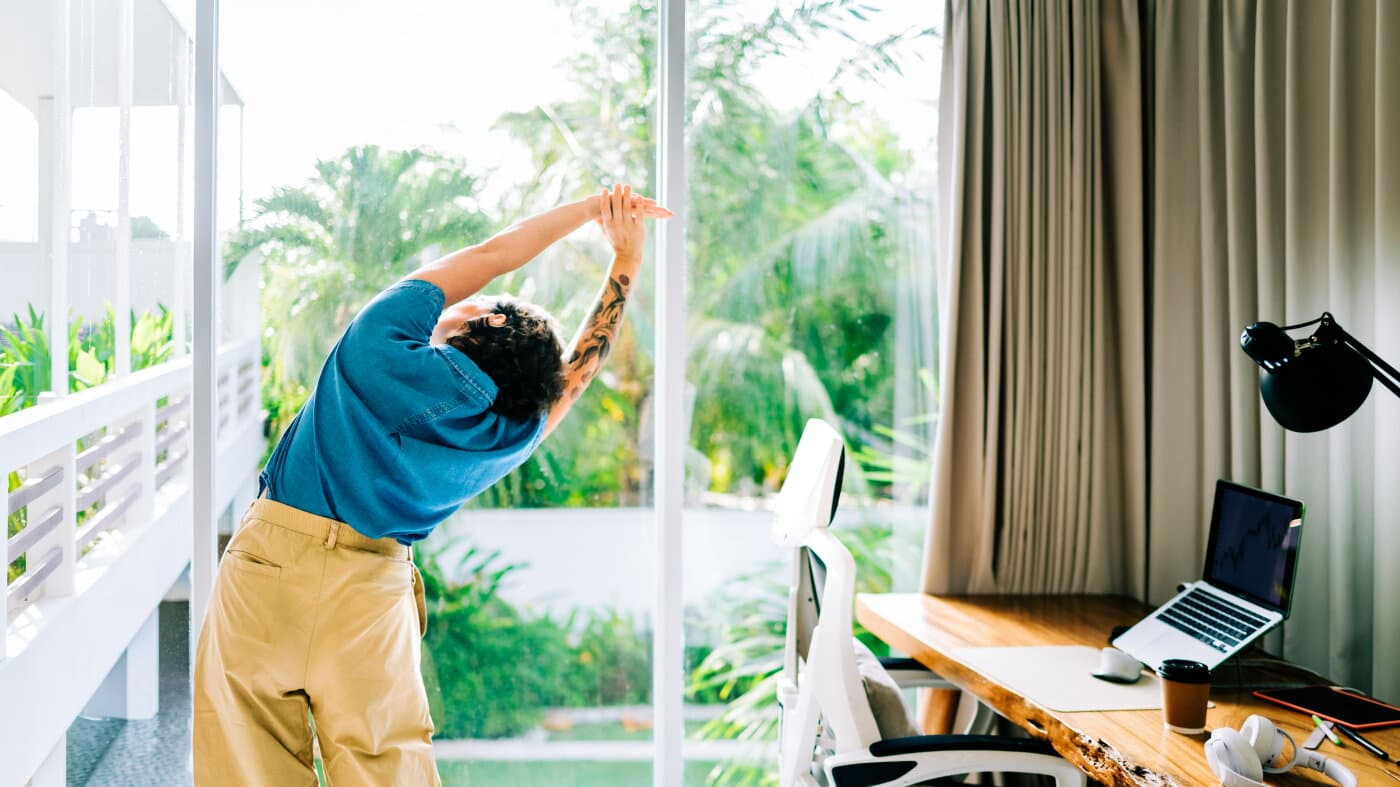
Short walks, changes in position and adjustments to computer equipment are among five approaches NPR’s Life Kit highlights for people uncomfortable after hours at a desk. Its roundup addresses familiar complaints including back pain, tired eyes, shoulder aches and sluggishness.
The guidance brings together previously published reporting rather than announcing a new treatment or study. Its central distinction is between making a workstation more comfortable and interrupting the prolonged stillness that can accompany computer work, whether for employment or leisure.
For movement breaks, the report points to walking for five minutes every half hour. A 2023 Columbia University study compared different walking schedules with uninterrupted sitting to investigate how the frequency and duration of breaks affected measures of health.
According to Columbia’s announcement of the research, the five-minute, half-hourly schedule improved both blood sugar and blood pressure. The findings concern measured responses to walking breaks; they should not be read as proof that a short stroll eliminates every long-term risk associated with sedentary behavior.
Putting such a schedule into practice is a separate challenge. In a subsequent account of its collaboration with NPR, Columbia acknowledged that controlled laboratory conditions differ from workplaces and schools, where people may lack the opportunity or flexibility to get up regularly.
For back discomfort, Life Kit describes physical therapist Vinh Pham’s approach to restoring movement through the middle of the spine. His exercise combines rotation with other spinal motions, emphasizing mobility rather than remaining fixed in a seated position. The report presents it as a way to encourage flexibility.
The roundup also includes an eye exercise that involves following an outstretched thumb through a circle. Princeton University Health Services explains that extended computer use can overwork the eyes’ focusing muscles, while glare and monitor position can add to the effort. Eye fatigue, headaches and blurred vision can accompany that strain.
Changing position is another strand of the advice. Life Kit cites biomechanist Katy Bowman and physical therapist Leada Malek on the value of moving between positions instead of treating one posture as a permanent solution. Princeton’s guidance similarly encourages varying tasks and taking opportunities to move and stretch during computer work.
Equipment placement completes the five-part approach. Life Kit recommends raising the screen while keeping the keyboard and mouse low enough to avoid lifting the shoulders. A separate keyboard and mouse can allow laptop users to adjust screen height without simultaneously raising their hands and arms.
The broader ergonomic principle is to fit the workspace to the person while preserving opportunities to move. Guidance from the Nicholas Institute of Sports Medicine and Athletic Trauma likewise combines workstation adjustments with breaks from seated work. For readers considering what to change next, the sources frame equipment and movement as complementary measures, not competing fixes.
Primary source: NPR. Newzly rewrites and structures source reporting for clarity; verify critical details at the original.