WhatsApp Web Users Warned Over Session Hijacking and Account Takeover Risks
Indian cybersecurity advisories have warned WhatsApp Web users that improper logouts on shared computers can expose personal accounts to session hijacking and severe data leaks.
In this piece
Cybersecurity advisories have issued a fresh warning to WhatsApp Web users regarding the risks of active session hijacking on shared or public computers. Merely…
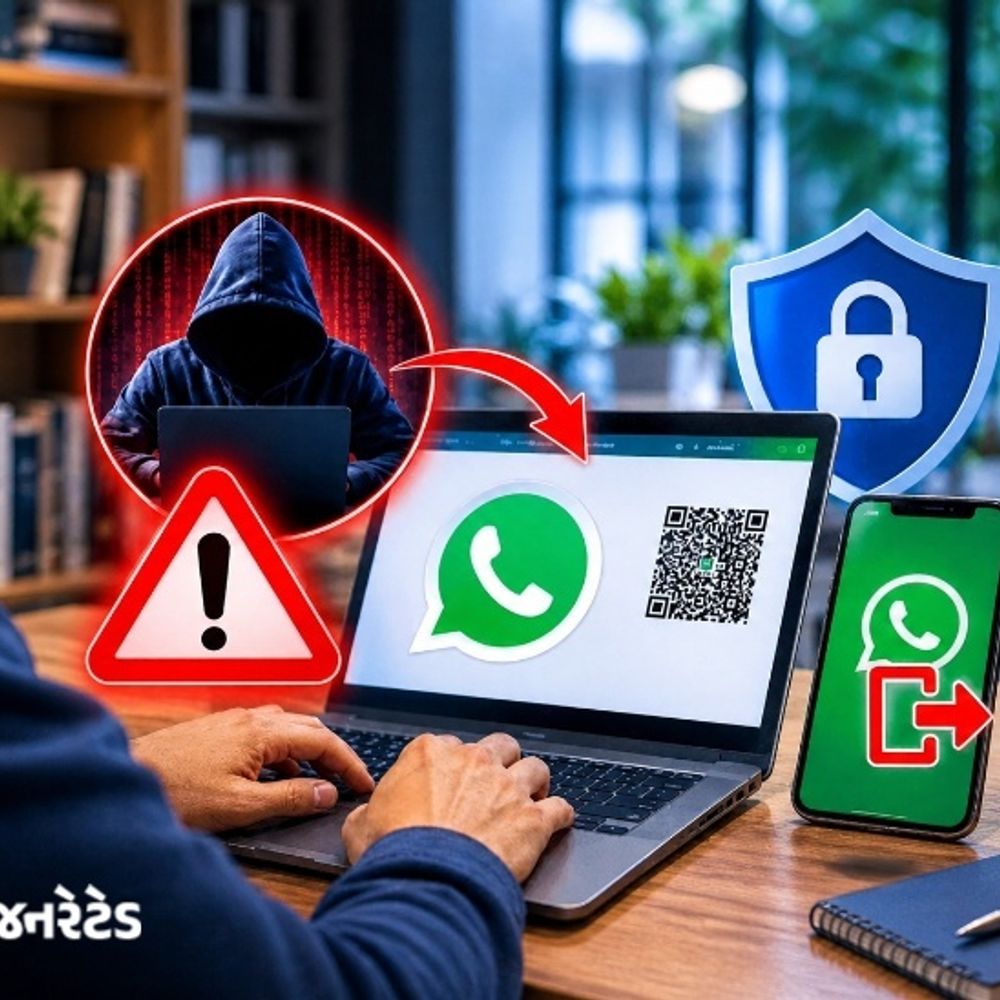
Indian cybersecurity advisories have raised an alarm for WhatsApp Web users, warning that common missteps while accessing the messaging platform on shared desktop computers can leave accounts vulnerable to full takeovers. According to security alerts, failing to terminate active sessions properly allows unauthorized third parties to access private conversations, personal data, and contacts without triggering immediate alerts.
The vulnerability primarily stems from session persistence on desktop browsers. When individuals log into WhatsApp Web on an office, library, or cybercafe computer and simply close the browser tab or window upon finishing, the authentication session remains active in the background. Anyone who subsequently opens that browser or gains access to the machine can reopen the session and browse the user's chat history seamlessly.
Beyond direct physical access by casual bystanders, active desktop sessions are also vulnerable to malware and malicious tracker scripts. Cybercriminals leveraging infostealer malware on public or unmonitored networks can harvest stored session tokens and browser cookies. Once these authentication tokens are acquired, attackers can replicate the session on another system without needing to rescan the original QR code.
The implications of an unauthorized account takeover extend far beyond reading confidential messages. Threat actors who gain entry can impersonate account owners to solicit emergency funds from friends and family members, or deploy fraudulent links across group conversations. In more severe scenarios, attackers extract sensitive multimedia files and personal correspondence to orchestrate extortion or identity theft schemes.
WhatsApp Web has become an indispensable productivity tool for millions of professionals, students, and remote workers who rely on desktop integration during working hours. However, the convenience of synchronizing mobile messaging with desktop workstations often leads to complacency regarding device security. Cybersecurity specialists emphasize that while WhatsApp provides end-to-end encryption in transit, that encryption cannot protect data if the endpoint session itself is left wide open.
To mitigate these risks, authorities emphasize several fundamental cyber hygiene practices. Users must consistently log out manually from WhatsApp Web rather than just shutting down browser tabs. Selecting the logout option from the web interface clears stored session credentials from the local browser storage, ensuring that the next visitor cannot restore access.
Another critical safeguard is the regular inspection of the Linked Devices menu within the WhatsApp smartphone application. This section provides an exhaustive list of all active sessions, including the operating system and the time of last activity. If users spot an unfamiliar browser, an unrecognized location, or a computer they no longer use, they can instantly terminate that connection remotely with a single tap.
Security experts also strongly advise against accessing personal messaging services or confidential accounts on publicly shared terminals altogether. Shared computers in commercial settings like cybercafes, business centers, or shared hot-desking setups often lack up-to-date antivirus definitions and may run monitoring utilities. When desktop access is unavoidable, using dedicated private or incognito browsing windows can provide an added layer of separation, though manual logout remains essential.
Enabling two-step verification on the primary mobile device serves as another vital line of defense against unauthorized re-registration and identity tampering. Users should also ensure their mobile operating systems and messaging applications remain updated with the latest security patches. Maintaining robust pin protection and biometric access on the smartphone ensures that unauthorized individuals cannot physically scan the QR code to establish new links.
As digital interactions increasingly merge across mobile and desktop interfaces, maintaining rigorous endpoint security will remain a daily necessity for users. Cybersecurity agencies continue to monitor emerging session-theft techniques and urge the public to report unauthorized digital activity promptly. Following disciplined login protocols and routinely revoking redundant sessions remain the most reliable defenses against digital intrusion.
Primary source: Divya Bhaskar Utility. Newzly rewrites and structures source reporting for clarity; verify critical details at the original.